Updated: June 17, 2026
Need to add lines to an AT&T business account? The order may look simple, but the setup matters.
A new business line can affect the plan, device promotion, number transfer, shipping, features, and future upgrade options.
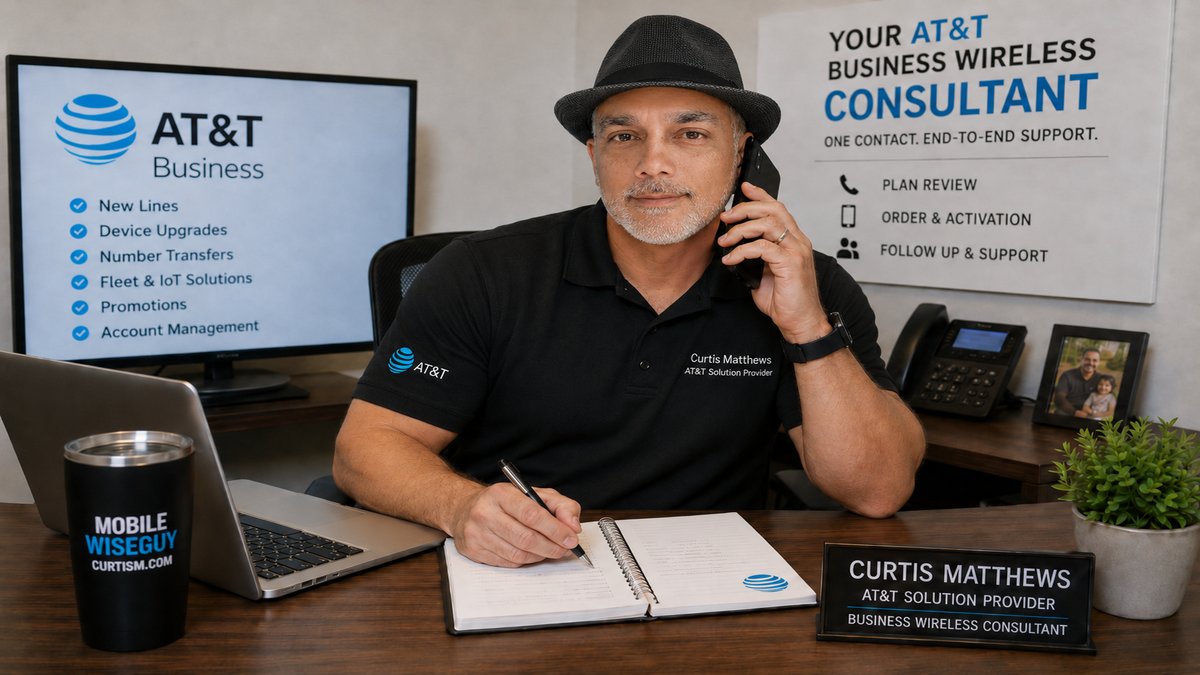
My role is to help you add the right line the right way before the order creates billing problems, missed credits, or extra work later.
Adding New AT&T Business Lines?
Send me what you need added, upgraded, or moved over. I can review the options for phones, tablets, hotspots, tracking devices, IoT lines, employee lines, and fleet needs.
The Best Way to Add Lines to an AT&T Business Account
The best way to add a line to an AT&T business account is to review the order before placing it. Online ordering, stores, and customer service can all process some orders, but business accounts often need more than basic order entry.
The real question is not just, “Can I add the line?” The better question is, “Is this line being added the right way for my business account?”
| Option | What It Can Do | What to Watch |
|---|---|---|
| Online | Works for some simple self-service orders | The system may not make it clear if the line, device, feature, or promotion is the best fit. |
| AT&T store | Can help when you need a device quickly | Stores may not be the best fit for reviewing business plan groups, account discounts, number transfers, or follow-up needs. |
| Customer service | Can handle basic account requests | Follow-up can be harder if you need help later with credits, returns, exchanges, features, or plan changes. |
| Order through Curtis | Best for business customers who want guidance before and after the order | I help review the line, device, promotion, number transfer, fleet need, features, and follow-up items tied to the order. |
My recommendation: If the line is for a business account, get the order reviewed first. A short review can help avoid wrong plan placement, missed promotions, number transfer problems, and unnecessary add-ons.
Why Adding a Business Line Is Different
Business wireless accounts are usually more detailed than personal accounts. A new line may involve plan groups, business discounts, tax settings, installment options, number transfers, device assignments, employee users, fleet needs, or tracking devices.
That is why a “simple” add-a-line order can still create problems if the setup is wrong.
What to Check Before Adding a New Line
Before adding a new AT&T business line, these details matter:
- New number or number transfer from another provider
- Phone, tablet, hotspot, tracking device, IoT device, or other connected device
- Employee, owner, driver, field worker, office user, vehicle, asset, or equipment use
- Current business plan or older plan setup
- Business discount profile or custom pricing
- New-line promotion, upgrade offer, or no-trade device deal
- Shipping, activation, return, exchange, or device assignment needs
- Insurance, hotspot data, international use, tracking, or other features
Do not add business lines blindly. The cheapest-looking option may not be the best option once plan pricing, device credits, features, and follow-up are included.
Moving Numbers From Another Provider
If your business needs to keep existing phone numbers, I can help with the number transfer process when you add AT&T business lines.
Number transfers need accurate information. The phone number, account number, transfer PIN, billing ZIP code, and account ownership details usually need to match the current provider’s records.
Wrong information can delay or reject the transfer. I help customers review what is needed before the order is placed.
Fleet, Tracking Devices, and IoT Lines
Adding lines is not always about smartphones. Businesses may also need wireless service for vehicles, drivers, assets, equipment, tablets, hotspots, tracking devices, and IoT devices.
I can help review wireless options for:
- Vehicle tracking devices
- Asset tracking devices
- IoT devices and connected equipment
- Tablets for drivers or mobile workers
- Hotspots for vehicles, jobsites, or backup internet
- Phones for drivers, technicians, managers, and dispatch teams
A smartphone, tablet, hotspot, tracking device, and IoT device may need different plans, features, and setup.
Check Promotions Before Adding a Line
This is where many business customers miss money.
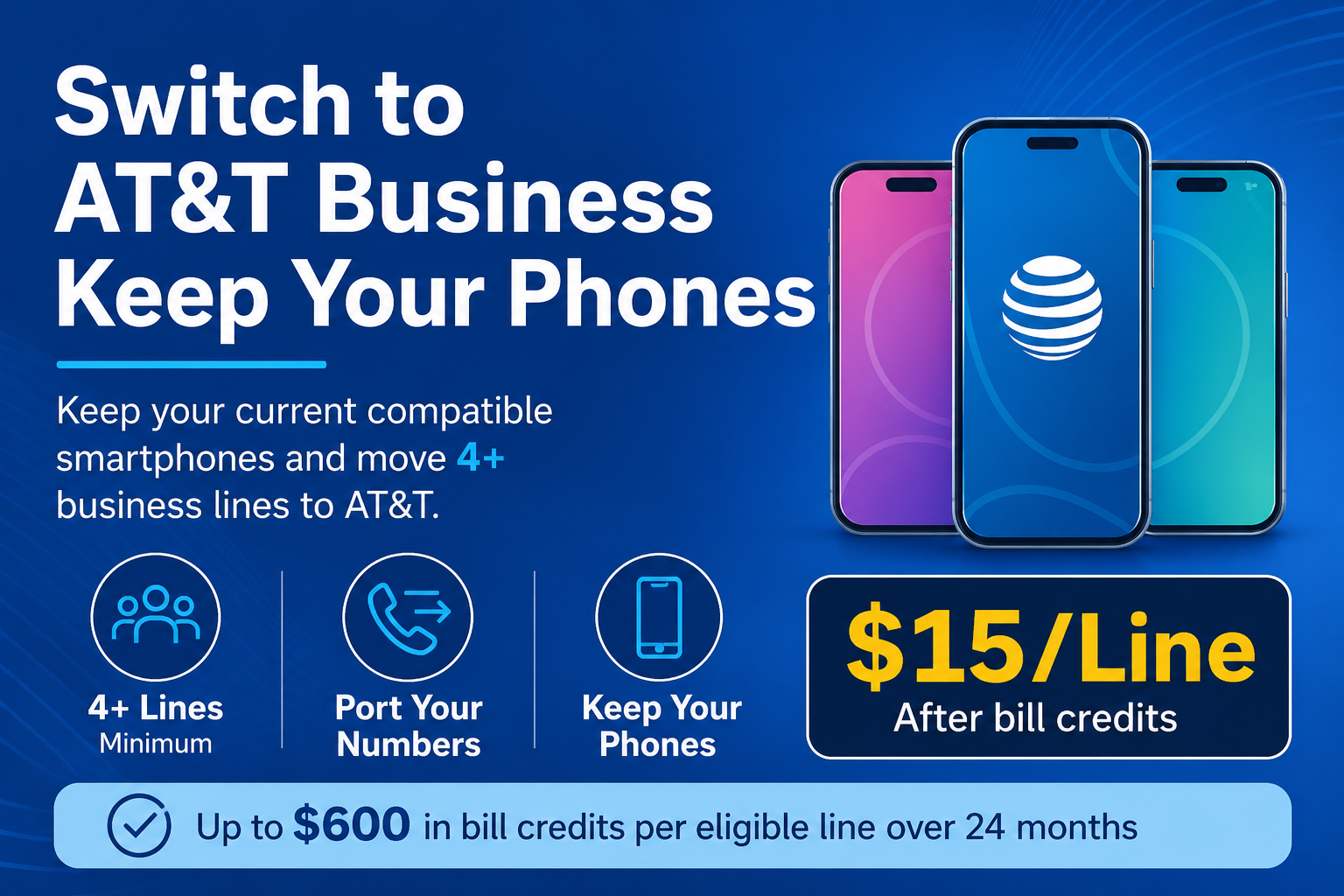
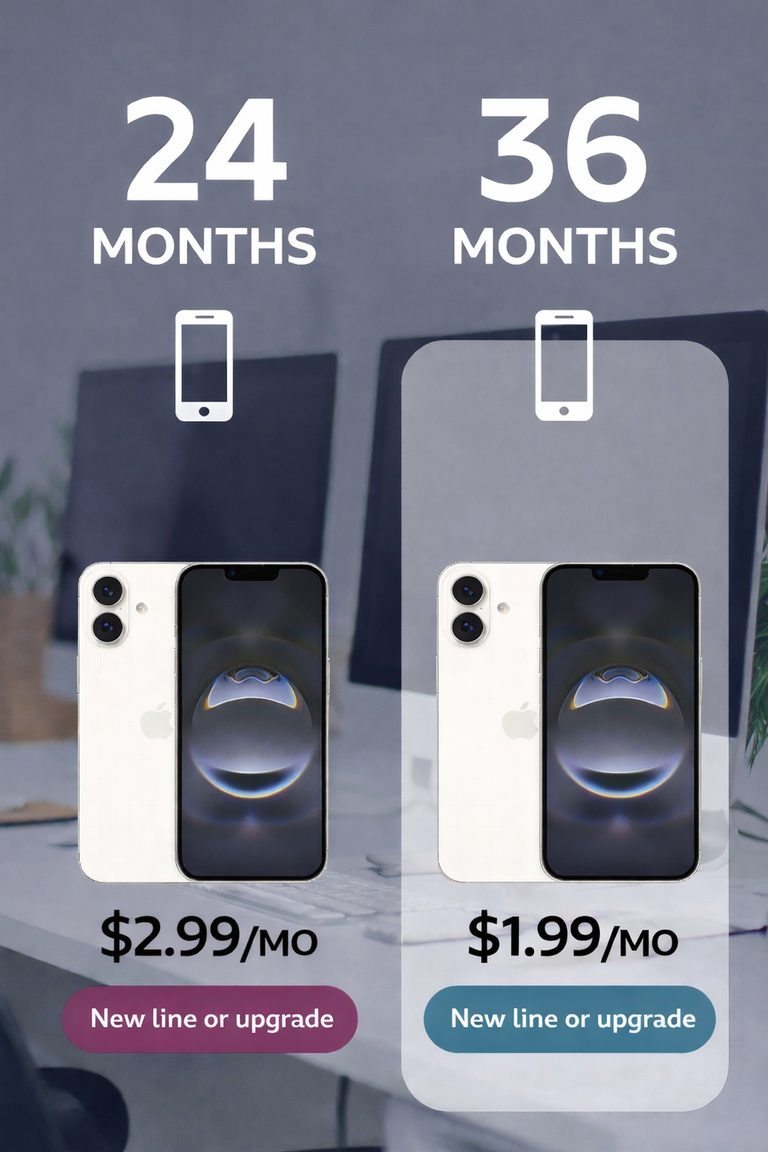
AT&T business promotions can vary by device, plan, account type, new-line status, upgrade status, trade-in value, and ordering channel.
Some businesses may qualify for strong no-trade device offers. Others may get a better result with a trade-in promotion. Some accounts may have custom pricing that changes the real monthly cost.
You can review current offers on my AT&T business promotions page.
New Line or Upgrade? Check Both
Sometimes the right move is a new line. Other times, the better move is upgrading an existing device.
- A new employee may need a new line.
- An existing employee with an older phone may need an upgrade.
- A number moving from another provider may need a new line with a number transfer.
- Tracking devices, tablets, hotspots, and IoT devices may need a different type of line.
- A larger project may need a mix of new lines and upgrades.
I can compare the options and explain which direction makes sense for the account.
Why Business Customers Work With Me
Adding the line is only one part of the job. After the order, you may still need help with activation, shipping, number transfer status, returns, exchanges, insurance, features, plan changes, credits, or future upgrades.
One Contact for the Order
I help with new lines, upgrades, promotions, number transfers, fleet lines, tracking devices, IoT devices, account changes, and added AT&T business services.
Recommendations That Fit the Account
My job is to help you make the right move for your business. That may mean adding a line, upgrading a device, checking a promotion, moving a number, adjusting features, or reviewing the plan.
Follow-Up After the Order
When I handle the order, I can also help with order follow-up tied to that work, including shipping, activation, returns, exchanges, insurance, features, plan recommendations, and future upgrades.
Common Questions About Adding Lines to an AT&T Business Account
Can I add one line to an AT&T business account?
Yes. Many AT&T business accounts can add one line at a time, depending on the account status, plan setup, credit, and account permissions.
Can I add multiple AT&T business lines at once?
Yes. Businesses often add several lines when hiring employees, replacing older devices, opening a location, moving users from another provider, or supporting field teams.
Can you help move numbers from another provider?
Yes. I can help with the number transfer process when your business moves phone numbers from another provider to AT&T.
What information is usually needed to move a number?
You usually need the phone number, account number, transfer PIN, billing ZIP code, and account ownership information from the current provider.
Can you help with fleet, tracking devices, or IoT lines?
Yes. I can help with wireless service for fleet needs, tracking devices, IoT devices, tablets, hotspots, vehicles, assets, equipment, and field teams.
Are new-line promotions the same as upgrade promotions?
Not always. Some promotions are for new lines only. Some are for upgrades. Some require a trade-in, and some do not.
Can a new AT&T business line qualify for a no-trade phone deal?
Sometimes, yes. No-trade device offers can be strong when available. The offer depends on the device, plan, account type, and current promotion rules.
Will adding a line change my AT&T business plan pricing?
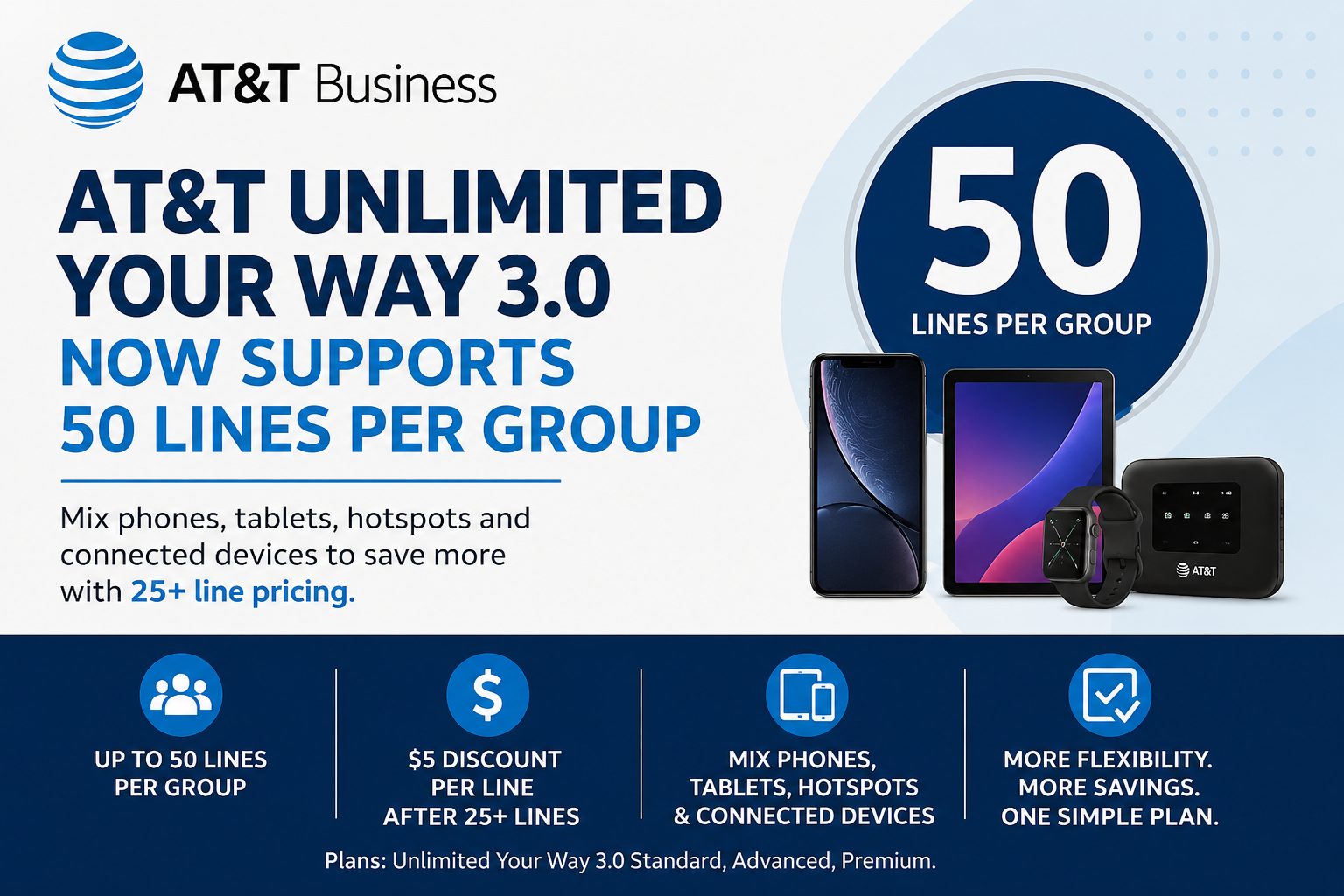
It can. Some business plans use pricing based on the number of smartphone lines in a group. Adding lines may change the per-line cost or qualify the account for better pricing.
Can you help with upgrades too?
Yes. I help AT&T business customers with both new lines and device upgrades.
Related AT&T Business Wireless Help
If you are adding lines or upgrading devices, these pages may also help:
- AT&T Business Wireless Unlimited Your Way Plans
- Current AT&T Business Promotions
- AT&T Business Wireless Consultant
- AT&T Business Activation Guide
- How to Get an AT&T Business Transfer PIN
- Amazon DSP Wireless Solutions
Ready to Add AT&T Business Lines or Upgrade Devices?
Send me what you need added, upgraded, or moved over. I can help review the plan, device options, number transfer details, current promotions, fleet needs, and setup.