AT&T Business Phone Warranty, Insurance, Replacement and Protect Advantage Help
If an AT&T Business phone is lost, stolen, damaged, cracked or not working, there may be several possible paths: manufacturer warranty, device protection, repair, replacement, upgrade or a new device order.
The right path depends on what happened to the device, which protection program is active, whether the phone is still under warranty, and whether the line is eligible for an upgrade or current AT&T Business promotion.
Start by identifying whether this is a warranty problem or a damage/loss claim.
A manufacturer defect with no physical or liquid damage may qualify for warranty service. A cracked, dropped, liquid-damaged, lost or stolen device normally uses device protection if the line is enrolled.
Quick answer: warranty, protection claim, repair, replacement or upgrade?
Defective with no physical or liquid damage? Start with warranty. Apple warranty service is handled by Apple. Warranty exchanges for eligible Samsung, Google Pixel, Motorola and other non-Apple AT&T devices are handled through Asurion.
Cracked, damaged, lost or stolen? Check the protection program active on the line. Protect Advantage for Business claims are handled through Asurion. AT&T Business Protect is a separate program with its own claim process.
Important: Physical or liquid damage is different from a manufacturer defect.
Cracked screens, broken back glass, liquid damage, drops, bent ports, loss and theft generally do not qualify as a standard manufacturer warranty exchange. Use the applicable device-protection process if coverage is active.
AT&T Business phone problem: which path fits?
Warranty defect
Warranty generally applies when a device develops a covered defect during normal use and there is no physical or liquid damage.
- Phone will not power on.
- Touchscreen stops responding without being cracked.
- Speaker, microphone or camera fails.
- Charging or another hardware component fails.
- Apple and non-Apple devices use different warranty processes.
Damage, loss or theft
If the device is cracked, dropped, liquid damaged, lost or stolen, check the device-protection coverage active on the line.
- Protect Advantage for Business claims go through Asurion.
- Business Protect uses a separate Servify claim process.
- Repair, replacement and service fees depend on eligibility.
- The damaged device may need to be returned.
Upgrade or replacement order
If the line is upgrade eligible, replacing the phone through an upgrade can sometimes make more sense than paying a claim fee.
- Compare the claim cost with the cost of upgrading.
- Check current AT&T Business promotions.
- Older phones may be better candidates for replacement.
- Consider business downtime and how quickly a working phone is needed.
Recently purchased device
If the phone was purchased recently, check whether it is still within the applicable AT&T return or exchange period before starting a warranty or protection claim.
- Keep the original packaging and return materials.
- Follow all return instructions carefully.
- Keep shipment and tracking information.
- Failure to return required equipment can result in additional charges.
Manufacturer warranty: Apple vs. Samsung and other Android devices
Apple devices
Apple handles warranty service for eligible iPhone, iPad and Apple Watch devices.
- Check warranty coverage using the serial number or IMEI.
- Apple determines whether the device will be repaired or replaced.
- Back up the device before service whenever possible.
Apple Support: 1-800-275-2273
Samsung, Google, Motorola & other non-Apple devices
Warranty exchanges for eligible non-Apple AT&T devices are handled through Asurion.
- Confirm there is no physical or liquid damage.
- Contact Asurion and choose WARRANTY, not insurance.
- Repair may be attempted through an authorized repair provider.
- If repair is unavailable or unsuccessful, an exchange may be arranged.
- Return the defective device within the required return period.
Asurion: 1-888-562-8662
Need the complete warranty instructions? The detailed warranty page includes Apple, Android, Asurion replacement-device warranty, AT&T Certified Pre-Owned devices and AT&T Internet Air for Business equipment.
View the AT&T Business Warranty & Device Claim ProcessAT&T Protect Advantage for Business
AT&T Protect Advantage for Business is a device-protection option for eligible business wireless devices. Claims are handled through Asurion.
Covered situations can include eligible loss, theft, accidental damage, liquid damage and out-of-warranty malfunctions.
- Claims should generally be filed within 60 days of the incident.
- Claims cannot be filed at an AT&T retail store.
- Asurion determines whether repair or replacement is available.
- Repair may include authorized repair locations, on-site service or mail-in service.
- Eligible screen and battery repairs may have a $0 service fee.
- Replacement deductibles or service fees can range from $25 to $400 depending on the device and claim.
- The current program allows unlimited eligible claims, subject to program terms and eligibility.
Asurion: 1-888-562-8662
AT&T Business Protect
AT&T Business Protect is a separate business device-protection program administered through Servify. It does not use the same claim process as Protect Advantage for Business.
Depending on the active plan and eligibility, Business Protect can provide repair or replacement services for covered devices.
- Verify that Business Protect is active before starting a claim.
- Use the Business Protect / Servify claim process.
- Coverage and services depend on the selected plan and device.
- Do not assume Protect Advantage terms or Asurion claim procedures apply.
Protect Advantage vs. Business Protect
Protect Advantage for Business and AT&T Business Protect are separate programs. The first step is to identify which protection feature is actually active on the line.
| Question | Protect Advantage for Business | AT&T Business Protect |
|---|---|---|
| Who handles claims? | Asurion | Business Protect / Servify |
| Damage? | Eligible accidental and liquid damage may be covered. | Coverage depends on the active Business Protect plan. |
| Loss and theft? | Eligible loss and theft may be covered. | Check the specific Business Protect plan and current terms. |
| Repair or replacement? | Asurion determines the eligible repair or replacement option. | Repair or replacement depends on the Business Protect plan and claim approval. |
| Where do I start? | phoneclaim.com/att or 1-888-562-8662 | Business Protect / Servify claim portal |
When an upgrade may be better than a claim
Filing a claim is not always the best business decision. If the phone is older, the line is upgrade eligible, or a strong AT&T Business promotion is available, compare the upgrade against the claim cost before spending money.
Paying a claim fee on an older device may not be the best use of money.
Compare the cost of replacing the phone through an upgrade with the claim fee.
Current upgrade or trade-in offers may change the economics of replacing the device.
Consider which option gets the employee back to work with the least disruption.
Cracked screen, damaged phone, lost phone or stolen phone
The correct process depends on what happened to the device.
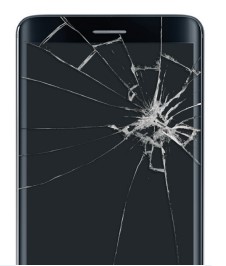
- Cracked screen: check the protection program active on the line and whether the device qualifies for repair.
- Back glass damage: check the protection program and repair eligibility.
- Liquid damage: this is generally not a manufacturer warranty issue.
- Lost phone: protect company data, suspend service if appropriate and file through the active protection program.
- Stolen phone: protect company data, suspend service if appropriate and file through the active protection program.
- Defective phone with no physical or liquid damage: follow the manufacturer warranty process.
Before you file a claim or request warranty service
Have the basic information ready before contacting Apple, Asurion, Business Protect or AT&T.
- Business name and AT&T account information
- Wireless number for the affected device
- Device make and model
- IMEI or serial number
- Clear description of the problem
- Whether there is physical or liquid damage
- Date of loss or damage when filing a protection claim
- Whether the business needs the fastest replacement option
- Whether the line may be upgrade eligible
Official warranty, claim and support contacts
Apple Support: 1-800-275-2273. Apple handles warranty service for eligible Apple devices.
Call 1-888-562-8662 or use phoneclaim.com/att. For a defect with no damage, choose WARRANTY.
File through Asurion at phoneclaim.com/att or call 1-888-562-8662.
Use the Business Protect / Servify claim portal for Business Protect claims.
Call 800-331-0500 for AT&T Business wireless account and support questions.
Use the WirelessConsultant.net warranty guide for Apple, Android, Asurion replacement devices, Certified Pre-Owned devices and Internet Air equipment.
Replacement device warranty
Warranty coverage can also apply after a device has already been replaced.
- An Asurion warranty exchange generally carries 90 days of coverage or the remaining original warranty, whichever is greater.
- Asurion replacement devices generally carry approximately a 1-year warranty.
- For the first 30 days after receiving an Asurion replacement, contact Asurion about a warranty issue.
- After the first 30 days, contact AT&T for a warranty issue with the replacement device.
- AT&T Certified Pre-Owned / Restored devices generally include a 90-day limited warranty.
Activation after a replacement device arrives
Once a replacement phone arrives, the business may still need to activate the device, move service to the replacement SIM or eSIM, restore data and return the defective or damaged phone when required.
Related AT&T Business pages
These pages may help if the device issue is part of a larger AT&T Business wireless account decision.
AT&T Business Phone Warranty and Insurance FAQ
Who handles the warranty on an Apple device?
Apple handles warranty service for eligible iPhone, iPad and Apple Watch devices. Contact Apple Support or check the device's coverage using the serial number or IMEI.
Who handles a warranty exchange for a Samsung, Google or Motorola phone?
Warranty exchanges for eligible non-Apple AT&T devices are handled through Asurion. If the device has a defect with no physical or liquid damage, choose WARRANTY rather than insurance.
Is a cracked screen a warranty issue?
Generally no. A cracked screen is physical damage rather than a standard manufacturer defect. If the line has eligible device protection, a repair or protection claim may be available.
Who handles AT&T Protect Advantage for Business claims?
Protect Advantage for Business claims are handled through Asurion. File through phoneclaim.com/att or call 1-888-562-8662.
What is AT&T Business Protect?
AT&T Business Protect is a separate device-protection program administered through Servify. It has its own coverage terms and claim process.
Should I file a claim or upgrade the phone?
Compare both options first. If the phone is older, the line is upgrade eligible or a strong AT&T Business promotion is available, an upgrade may make more sense than paying a claim fee.
Can Curtis file my insurance claim for me?
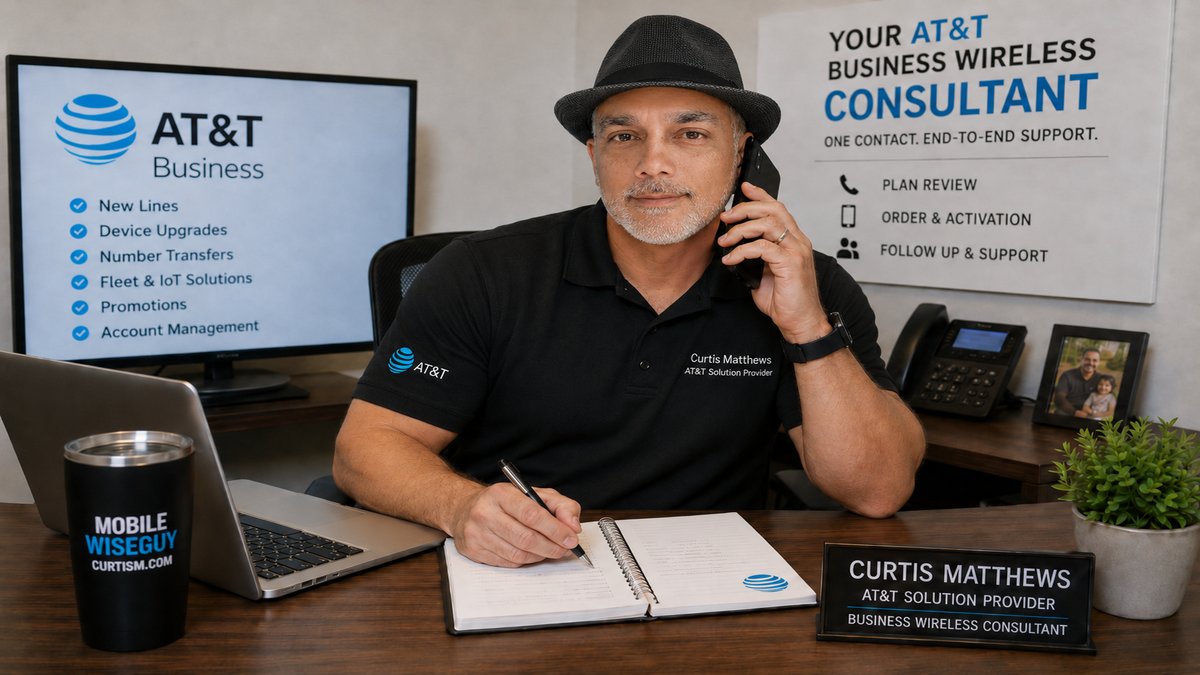
Official claims are filed through the applicable provider. Curtis can help AT&T Business customers review whether warranty, protection claim, upgrade or replacement is the better business option.
What if my replacement device arrives and I need help activating it?
Use the AT&T Business Device Activation guide linked on this page. It covers activation, ports and common replacement-device setup steps.
Can a replacement device create extra charges if the old phone is not returned?
Yes. If a defective or damaged device must be returned and it is not returned correctly, additional charges can apply. Follow the return instructions and keep the shipment tracking information.
Before paying for a claim, repair or replacement, compare the business options
If an AT&T Business phone is lost, stolen, cracked, damaged or not working, Curtis Matthews can help review whether the practical business path is warranty, protection claim, repair, replacement, upgrade or a current device promotion.
Contact Curtis MatthewsAT&T Business wireless help nationwide. Official warranty service and protection claims are handled by Apple, Asurion, AT&T or Business Protect depending on the device and active coverage.