AT&T Business Warranty & Device Claim Process
Apple, Samsung, Google, Motorola, other Android devices, AT&T Protect Advantage for Business, and AT&T Internet Air equipment all use different warranty or claim processes. Start by determining whether the issue is a warranty defect or damage, loss or theft.
Quick Answer
Manufacturer defect with no physical or liquid damage?
Follow the warranty process below.
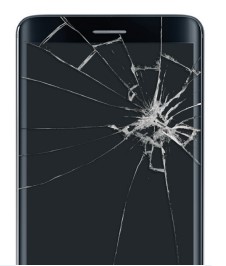
Cracked, dropped, bent, liquid damaged, lost or stolen?
That is generally a device protection claim, not a standard warranty exchange.
Step 1: Is It Warranty or Damage?
Manufacturer Defect
A warranty issue is generally a device failure that happens during normal use without physical or liquid damage.
- Device will not power on
- Touchscreen is unresponsive but not cracked
- Speaker or microphone failure
- Camera failure
- Charging failure
- Other hardware malfunction during normal use
Protection Claim
Physical or liquid damage is generally not handled as a standard manufacturer warranty exchange.
- Cracked screen
- Broken back glass
- Liquid damage
- Damage from being dropped
- Bent or physically damaged charging port
- Lost device
- Stolen device
Step 2: Follow the Process for Your Device
🍎 Apple Devices
Warranty service for Apple devices is handled directly by Apple, not by AT&T or Asurion.
This includes:
- iPhone
- iPad
- Apple Watch
New Apple devices and Apple replacement devices typically include a 1-year limited warranty.
Apple warranty process:
- Check the device warranty using the serial number or IMEI.
- Contact Apple Support or schedule service at an Apple Store or Apple Authorized Service Provider.
- Back up the device before service whenever possible.
- Apple determines whether the device will be repaired or replaced.
Apple Support:
1-800-275-2273
(1-800-MY-APPLE)
📱 Samsung & Other Android Devices
For AT&T Business customers, warranty exchanges for Samsung and other eligible non-Apple devices are handled through Asurion.
This includes devices such as:
- Samsung Galaxy
- Google Pixel
- Motorola
- Other eligible non-Apple devices
The manufacturer warranty is typically 1 year, although some devices may have a 2-year warranty.
Warranty process:
- Confirm that the device does not have physical or liquid damage.
- Call Asurion or go to the AT&T/Asurion claim site.
- Select or request WARRANTY, not accidental-damage insurance.
- Asurion may arrange a repair through an authorized repair provider, including locations such as uBreakiFix by Asurion.
- If a local repair is unavailable or the repair is unsuccessful, a warranty exchange may be arranged.
- If an exchange is completed, return the defective device within the required return period.
Asurion:
1-888-562-8662
A warranty replacement generally carries either 90 days of warranty coverage or the remaining original device warranty, whichever is greater.
Cracked, Damaged, Lost or Stolen Device
AT&T Protect Advantage for Business
If the device is damaged, lost or stolen and the line is enrolled in AT&T Protect Advantage for Business, the claim is handled through Asurion.
Protect Advantage can cover eligible:
- Loss
- Theft
- Accidental damage
- Liquid damage
- Out-of-warranty malfunctions
Claims cannot be filed at an AT&T retail store.
Claim process:
- File the claim within 60 days of the incident.
- Have the AT&T wireless passcode or the last four digits of the business Tax ID available.
- Have the date the device was damaged, lost or stolen available.
- Asurion will verify eligibility and determine whether the device qualifies for repair or replacement.
- Repair options may include an authorized repair location, on-site service or mail-in repair.
- If a replacement is required, follow Asurion's instructions for returning the damaged device when applicable.
Asurion:
1-888-562-8662
Eligible screen and battery repairs may have a $0 service fee. Replacement deductibles or service fees can range from approximately $25 to $400 depending on the device and claim.
Protect Advantage currently allows unlimited eligible claims, subject to the program's terms, eligibility requirements and applicable service fees.
AT&T Business Protect, administered through Servify, is a separate protection program and has its own claim process. Do not assume the Asurion process above applies to a Business Protect line.
For more information about AT&T Business device protection options:
AT&T Business Warranty & Device Protection HelpAT&T Internet Air for Business Equipment
AT&T Internet Air for Business (AIA-B)
AT&T Internet Air for Business equipment uses a different warranty process than phones and tablets.
This can include:
- AT&T Internet Air 5G Gateway
- Inseego FX4200
- Cradlepoint E400
New AT&T-sold equipment typically carries a 1-year manufacturer warranty.
Before requesting a replacement:
- Power-cycle the gateway or router.
- Check the device LED/status indicators.
- Reposition the gateway if signal strength may be the issue.
- Have the AT&T Internet Air wireless number (CTN) available.
- Contact AT&T Business Care for troubleshooting and equipment return/replacement instructions.
AT&T Business Wireless Care:
800-331-0500
Before You Call
- AT&T wireless number
- AT&T account information
- Device make and model
- IMEI or serial number
- Clear description of the problem
- Whether the device has any physical or liquid damage
Good to Know
- Asurion replacement devices: replacement devices generally carry approximately a 1-year warranty. During the first 30 days after receiving the replacement, contact Asurion for warranty problems. After 30 days, contact AT&T.
- AT&T Certified Pre-Owned / Restored devices: these devices generally include a 90-day limited warranty.
- AT&T Business Protect: this is a separate protection program administered through Servify and uses its own claim process.
- Claim status: AT&T order and claim-related status may be available through AT&T's order-status system.
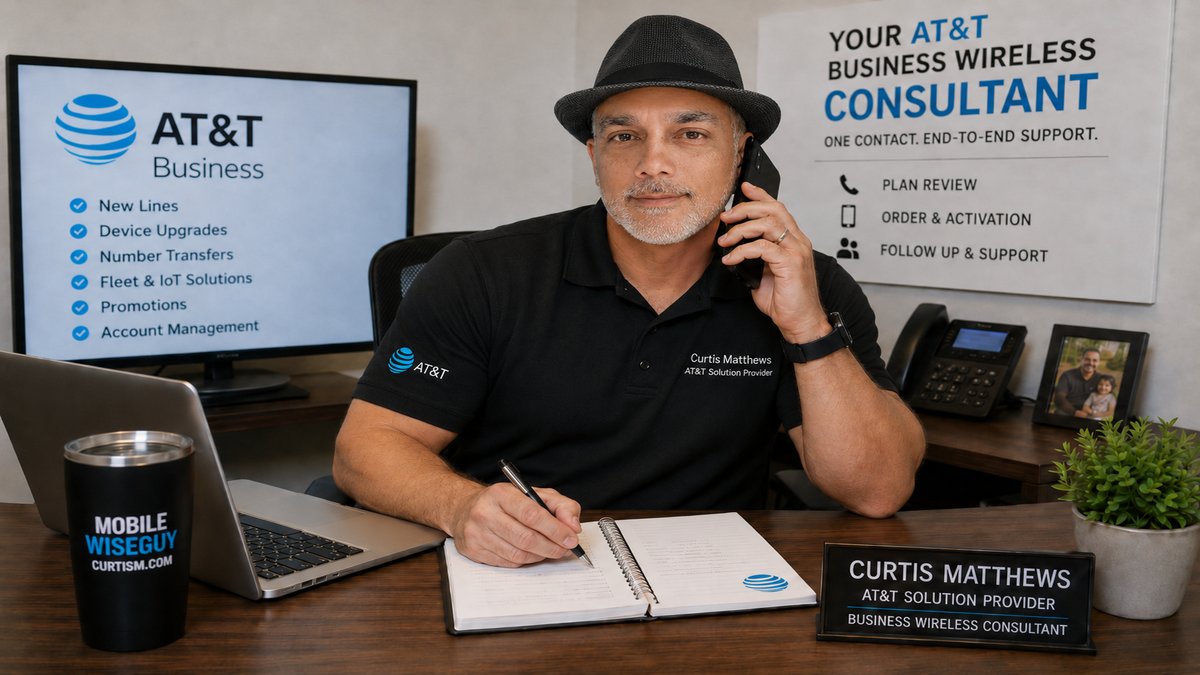
If you are an AT&T Business customer and are unsure whether the issue is warranty, device protection, damage, loss or a replacement-device problem, Curtis Matthews can help identify the correct process before you begin.
Contact Curtis
Updated October 2026. Warranty procedures, eligibility, service fees, claim requirements and contact processes can change. Confirm current coverage and eligibility with Apple, Asurion or AT&T when beginning a warranty or device claim.