Apple Business, which now includes capabilities previously associated with Apple Business Manager, gives businesses a centralized way to deploy and manage Apple devices. Apple Business now includes built-in mobile device management (MDM), meaning some businesses may be able to manage their iPhones, iPads, Macs, apps, settings, and security without purchasing a separate external MDM platform.
What Is Apple Business?
Apple Business gives organizations a centralized way to manage iPhone, iPad, Mac, and other Apple devices used by employees. Businesses that previously used or searched for Apple Business Manager will now see Apple referring customers to its broader Apple Business platform.
The platform brings together device deployment, built-in device management, employee accounts, app distribution, security settings, and other business tools in one place.
Apple Business Manager is now part of Apple's broader Apple Business experience. Apple has expanded the platform to include built-in device management in addition to the ability to connect external device management services.
Key Benefits of Apple Business
Built-In Device Management
Apple Business includes its own device management service, giving many businesses the ability to manage Apple devices without automatically needing a separate external MDM platform.
Automated Device Enrollment
Eligible business-owned Apple devices can automatically enroll in device management during setup, reducing manual IT work and enabling zero-touch deployment.
Blueprints
Businesses can use Blueprints to apply preconfigured apps, settings, and security requirements consistently across groups of employees and devices.
Managed Apple Accounts
Organizations can create and manage work accounts for employees while controlling access to supported Apple services.
App Distribution
Businesses can assign and distribute work apps to managed users and devices while maintaining organizational control.
Security and Remote Management
Device management can help apply security settings, manage software updates, monitor device compliance, and perform supported remote actions such as locking or wiping a device.
Do You Still Need a Separate MDM?
Not necessarily. Apple Business now includes a built-in device management service. For businesses with straightforward Apple device management needs, that may eliminate the need to purchase and maintain a separate external MDM platform.
Apple's built-in device management can help businesses enroll devices, apply settings, distribute apps, manage software updates, enforce supported security requirements, and remotely manage company devices.
Businesses with more advanced requirements can still connect Apple Business to an external device management service. Apple Business supports both approaches, so the organization can choose the management solution that best fits its needs.
How Built-In Apple Device Management Works
Apple Business allows an organization to turn on Apple's built-in device management service and assign eligible devices to it. Once devices are enrolled, administrators can manage device settings, apps, configurations, software updates, and supported security controls remotely.
Apple also provides Blueprints, which allow businesses to create predefined combinations of apps and settings and apply them to groups of users or devices. This helps keep device configurations consistent while reducing repetitive setup work.
If a business already uses an external device management platform or needs capabilities beyond Apple's built-in service, Apple Business can still connect to one or more external device management services.
Using Apple Business With Your AT&T Business Account
AT&T Business offers the AT&T Device Management Program to help organizations streamline enrollment of eligible devices purchased through AT&T.
Once an organization's Apple Business profile is properly connected with its eligible AT&T business account, eligible new Apple devices purchased through AT&T can be automatically submitted to Apple Business. The business can then assign those devices to Apple's built-in device management service or to an external device management service.
- Automate enrollment of eligible Apple devices purchased through AT&T.
- Reduce manual setup when deploying new devices.
- Connect an existing Apple Business organization with an eligible AT&T business account.
- Use Apple's built-in device management when it meets the organization's needs.
- Connect an external MDM when more advanced management capabilities are required.
- Ship eligible devices directly to employees while maintaining centralized management.
Why Automated Enrollment Matters
- Faster employee onboarding: New employees can receive devices that automatically enroll into the organization's device management environment during setup.
- Less hands-on IT work: IT teams can reduce repetitive device configuration and manual enrollment.
- Consistent deployment: Apps, settings, and security requirements can be applied more consistently across managed devices.
- Better control: Business-owned devices remain associated with the organization's Apple Business environment and assigned device management service.
- Supports remote employees: Eligible devices can be shipped directly to employees without requiring every device to be physically prepared by an IT department first.
Apple Business FAQs
What happened to Apple Business Manager?
Apple Business Manager is now part of Apple's broader Apple Business platform. Businesses may still see the Apple Business Manager or ABM name in older documentation, search results, and device management discussions.
Does Apple Business have its own MDM?
Yes. Apple Business includes a built-in mobile device management service. Businesses can use it to enroll and manage supported Apple devices, apply settings, distribute apps, manage software updates, and perform supported remote management actions.
Do I need to buy a separate MDM platform?
Not necessarily. Businesses with straightforward Apple device management requirements may be able to use the built-in device management service in Apple Business instead of purchasing a separate external MDM. Organizations with more advanced requirements can still connect Apple Business to an external device management service.
What are Apple Business Blueprints?
Blueprints allow administrators to create predefined combinations of apps, settings, and device configurations and apply them consistently to managed users and devices.
Can Apple devices purchased through AT&T be automatically enrolled?
Yes. The AT&T Device Management Program supports automated enrollment of eligible newly purchased AT&T Apple devices after the organization's Apple Business profile and eligible AT&T business account are properly configured.
Can devices be shipped directly to employees?
Yes. Automated enrollment can reduce the need for IT staff to manually prepare each device before it is shipped. When properly configured, the device can enroll into the organization's device management service during setup.
Official Apple Business Resources
Apple provides current information about Apple Business, built-in device management, accounts, apps, security, and deployment through its official Apple Business resources.
Need Help With Apple Devices on Your AT&T Business Account?
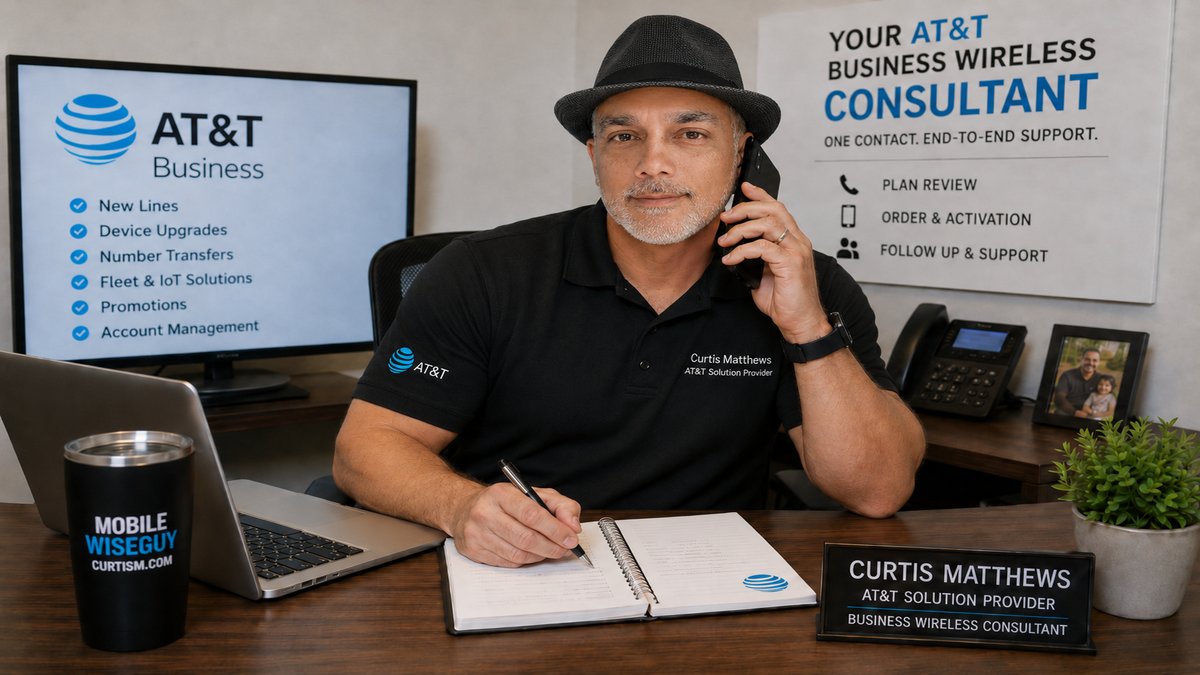
If your business is purchasing, upgrading, or deploying Apple devices through AT&T Business, I can help you review your deployment needs, connect eligible devices with Apple Business, and determine whether Apple's built-in device management or an external management solution makes the most sense for your organization.
Contact Me