
Featured image for "AT&T Business Device Trade-In" showcasing a smartphone with the AT&T Business Trade-In interface on screen, surrounded by a futuristic blue design. The text "Your Trade-In is Complete, Just a few steps left." is prominently displayed at the top, with the AT&T Business logo on both sides.

ATT Trade-in Process for Businesses

Updated Trade-In Information: For the latest, step-by-step instructions on how AT&T Business device trade-ins work, including shipping tips and how credits are applied, please see my new guide: AT&T Business Device Trade-In Guide . This article is kept online as an additional reference. Understanding AT&T Trade-ins AT&T Business Device Trade-In Process AT&T Business Device Trade-In…

Details
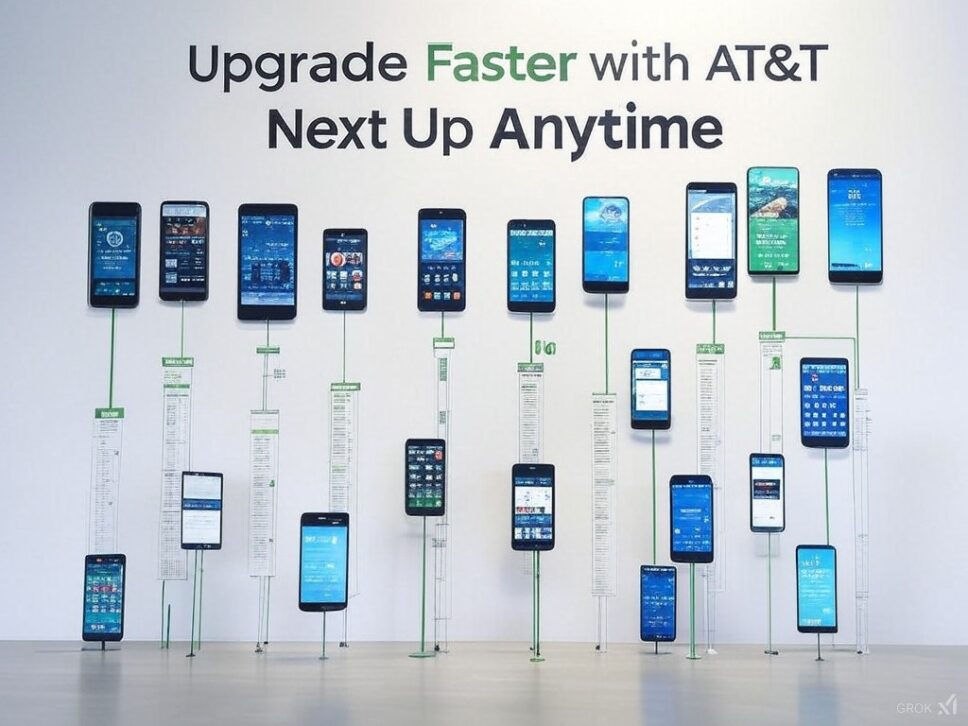
Display of multiple smartphones mounted on a wall, each showcasing different screens, illustrating the AT&T Next Up Anytime upgrade plan for business. The text above the phones reads 'Upgrade Faster with AT&T Next Up Anytime', emphasizing the quick upgrade options available with the plan.

AT&T Business Next Up Anytime vs Installments

AT&T’s flexible financing options are designed for businesses that prioritize keeping up with the latest technology. The Next Up Anytime plan offers unparalleled flexibility to upgrade devices frequently, ensuring that your business always has access to the latest advancements. ATT Next Up Anytime for Businesses Tailored for businesses that require rapid adaptation to new technologies:…

Details
AT&T Business Customer Using International Roaming in Paris

AT&T International Pass for BusineDay ss – Travel Savings

The ultimate business travel companions International Roaming Options for AT&T Business Customers AT&T International Day Pass for business travel The AT&T International Day Pass lets business travelers use their domestic plan in over 210 countries for just $12/day per line. Features Coverage includes over 210 countries See covered countries Pay a daily fee per line only…

Details
Smartphones displaying AT&T Mobile Transfer, Samsung Smart Switch, and Apple QuickStart apps for data transfer.

Content TransferHow to Transfer Your Data to a New Device: A Guide for AT&T Business CustomersContent Transfer

Switching to a new smartphone or tablet? Whether you’re upgrading to the latest model or switching between platforms, transferring your data securely and efficiently is crucial for maintaining business continuity. Here’s your comprehensive guide to transferring data seamlessly between devices as an AT&T business customer. Step-by-Step Data Transfer Guide: Using AT&T Mobile Transfer: Download and…

Details