
AT&T Premier Login Help
If you searched “AT&T Premier login” or “att premier login”, use the buttons below to sign in, reset your password, or pay your bill without logging in.
What this page is for
If you manage your wireless account through the AT&T Premier Business Portal, it’s important to know what to do when you forget your username or password. This guide helps you recover your login, understand what you’re looking at, and pay your bill fast when you’re stuck.
Reset your Premier username or password
If you're locked out, the fastest way back in is AT&T’s official Premier password reset page:
This is for Premier business users. If your company disabled your access, your company’s Premier administrator usually has to re-enable it.
Not sure if you need Premier or myAT&T?
Premier is commonly used for business wireless account management at scale.
myAT&T is commonly used for consumer accounts and some small business setups.
If you’re unsure which portal your business uses, the AT&T Business Login Portal lists all the official sign-in options in one place.
What the Premier login page looks like
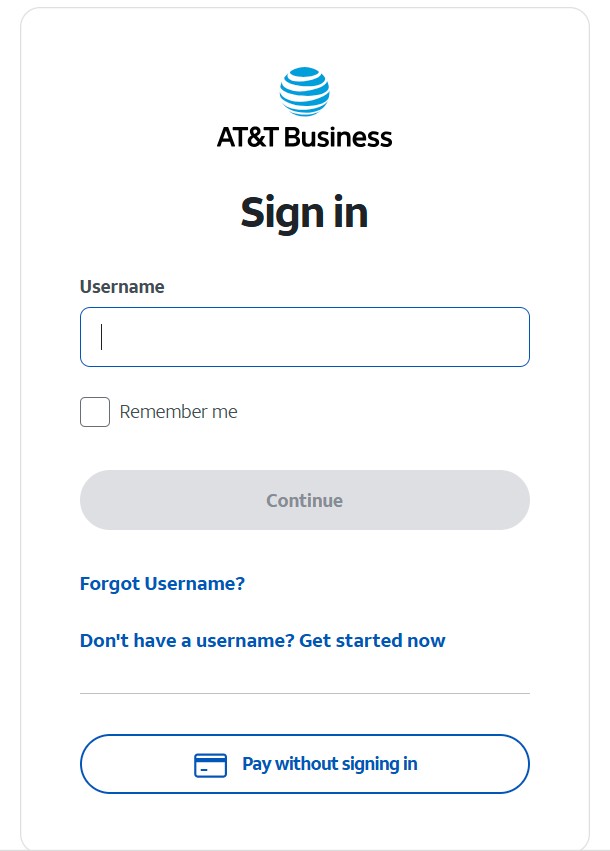
This is the AT&T Premier sign-in screen where you enter your username. If you don’t remember it, look for the “Forgot Username?” or “Forgot Password?” links on that page.
Inside the Premier portal (dashboard)
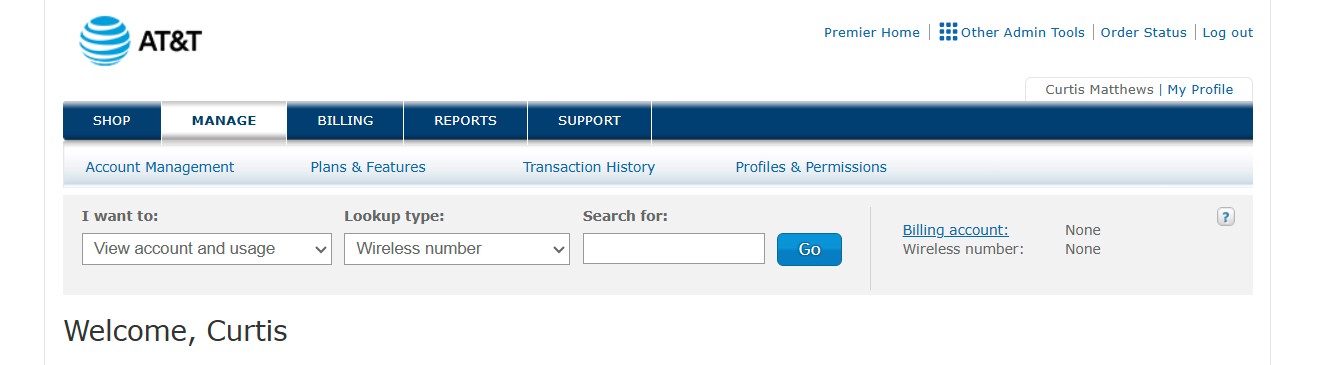
Once logged in, you’ll see the Premier dashboard with options to manage your account, review billing, run reports, and handle device upgrades.
Pay your AT&T Business bill without logging in
If you’re in a rush or don’t have access to your login credentials, you can still pay your AT&T business wireless bill using FastPay without signing in:
FastPay typically lets you make a one-time payment using your account number and billing ZIP code.
Common Premier login problems (fast fixes)
- Wrong saved password: try an Incognito/Private window.
- Browser junk: clear cache/cookies for AT&T sites, then try again.
- VPN/security tools: temporarily disable and retest.
- Password expired: use the Premier reset link above.
- Access disabled by your company: a company admin usually has to re-enable your Premier profile.
- Portal errors/timeouts: try a different browser or switch networks (office Wi-Fi vs hotspot).
Related account-owner actions (most searched)
A lot of business users land here looking for the next step after login:
- TOBR (Transfer of Billing Responsibility): move a line between AT&T accounts (AT&T → AT&T).
- Transfer PIN: port your number away from AT&T (AT&T → another carrier).
FAQ
How do I reset my AT&T Premier password?
Use the official Premier “Reset your password” page and follow the prompts.
Can I pay my AT&T Business bill without logging in?
Yes. Use FastPay to make a secure one-time payment without signing in.
Is AT&T Premier the same as myAT&T?
No. Premier is a business portal. myAT&T is commonly used for consumer accounts and some small business setups.
I still can’t get in — what’s the fastest next step?
Try Incognito/Private browsing, then use the Premier reset link. If your access was disabled, your company’s administrator usually has to re-enable your Premier profile.
Important: This page is informational. No credentials are collected here.
Want one point of contact to own the outcome?
If Premier access is blocking an upgrade order, new lines, TOBR, or billing cleanup on an AT&T Business account, I can take it end-to-end and keep it moving.
Contact Curtis Matthews