
AT&T Premier Login Help
Need the AT&T Premier login page? Use the official business sign-in links below to open Premier, reset your password, pay without logging in, or choose the right AT&T business portal for your account.
What AT&T Premier is for
AT&T Premier is the business wireless portal used to manage accounts, view usage, upgrade devices, change plans, and pay invoices. If you searched att premier login or AT&T Premier login, this is the page to help you get into the right portal fast.
Use Premier for business wireless accounts
Premier is generally the right login for larger business wireless setups. AT&T’s Business Login Portal shows Premier as the wireless account portal for businesses managing many mobile users.
If you cannot get in, use the password reset help or the main AT&T Business Login Portal to confirm you are choosing the correct sign-in path.
Not sure if you need Premier or myAT&T?
Premier is for business wireless account management.
myAT&T is used for many small business and other AT&T account types.
The AT&T Business Login Portal is the safest place to choose between Premier, myAT&T, and Business Center.
Reset your password or get login help
AT&T Business Support has a Premier support area with actions for Log in or register, Reset password, Pay without logging in, and Transfer billing responsibility.
If your access was disabled by your company, your administrator may need to restore your access.
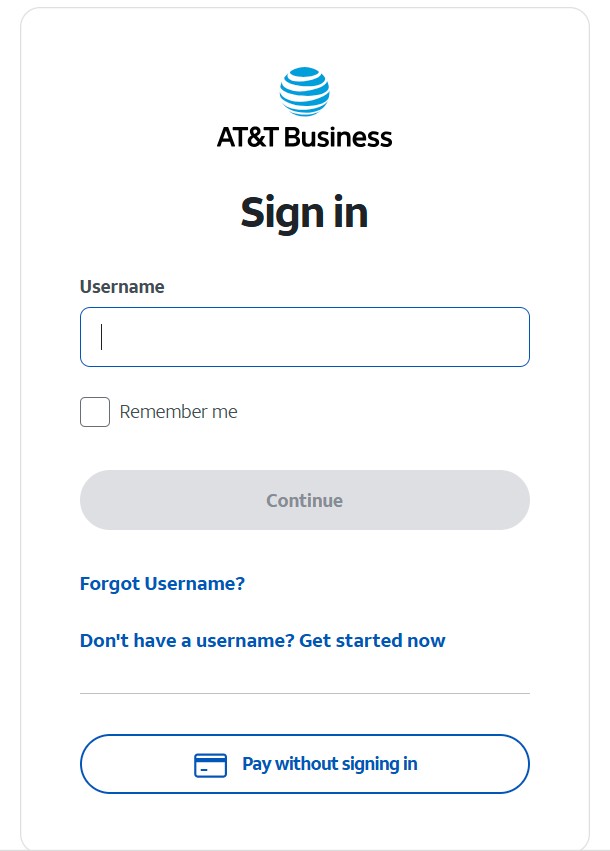
What the Premier login page looks like
This is the AT&T Premier sign-in screen where business users enter their login details.
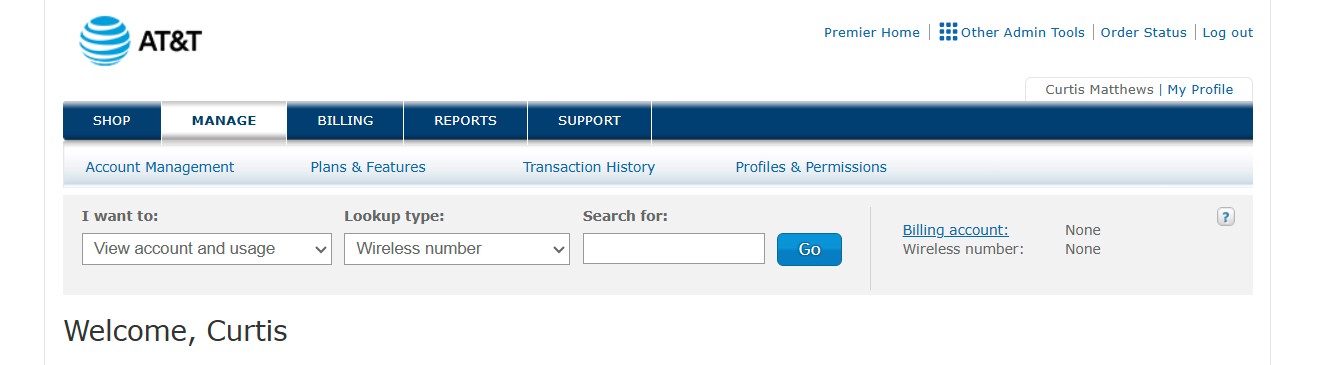
Inside the Premier portal
Once logged in, Premier gives business users access to billing, usage, account management, upgrades, and other wireless account tools.
Pay your AT&T bill without logging in
AT&T provides a FastPay option for making a one-time payment without signing in. This is useful when you need to make a payment quickly and do not want to stop and troubleshoot login access first.
Common AT&T Premier login problems
- Wrong saved password: try a private or incognito browser window.
- Cache issues: clear browser cookies for AT&T sites, then retry.
- Wrong portal: use the AT&T Business Login Portal to confirm whether you need Premier, myAT&T, or Business Center.
- Password reset needed: use AT&T Business Support and choose the Premier reset option.
- Company access issue: your business administrator may need to restore access.
Related account actions
Many users searching for Premier login are also trying to complete one of these next steps:
- TOBR: move a line between AT&T accounts.
- Transfer PIN: move a number from AT&T to another carrier.
FAQ
What is AT&T Premier?
AT&T Premier is the business wireless portal for managing accounts, usage, upgrades, plans, and invoices.
How do I find the official AT&T Premier login?
Use the AT&T Business Login Portal or the official Premier sign-in page linked above.
Can I pay my AT&T bill without logging in?
Yes. Use FastPay to make a one-time payment without signing in.
How do I know whether to use Premier or myAT&T?
Use the AT&T Business Login Portal. It lists the official sign-in options for Premier, myAT&T, and Business Center.
Important: This page is informational only. No credentials are collected here.
Need one point of contact for your AT&T business account?
If Premier access is slowing down upgrades, new lines, TOBR, or account cleanup, I can help keep the business side moving.
Contact Curtis Matthews